Card Inspection
Analyze corners, edges, surface and centering.

Know Before You Grade.
The smart card inspection app built for collectors. Check your card’s condition, optionally identify it, and get an AI-assisted Pre-Check Score before deciding whether to submit it for professional grading.
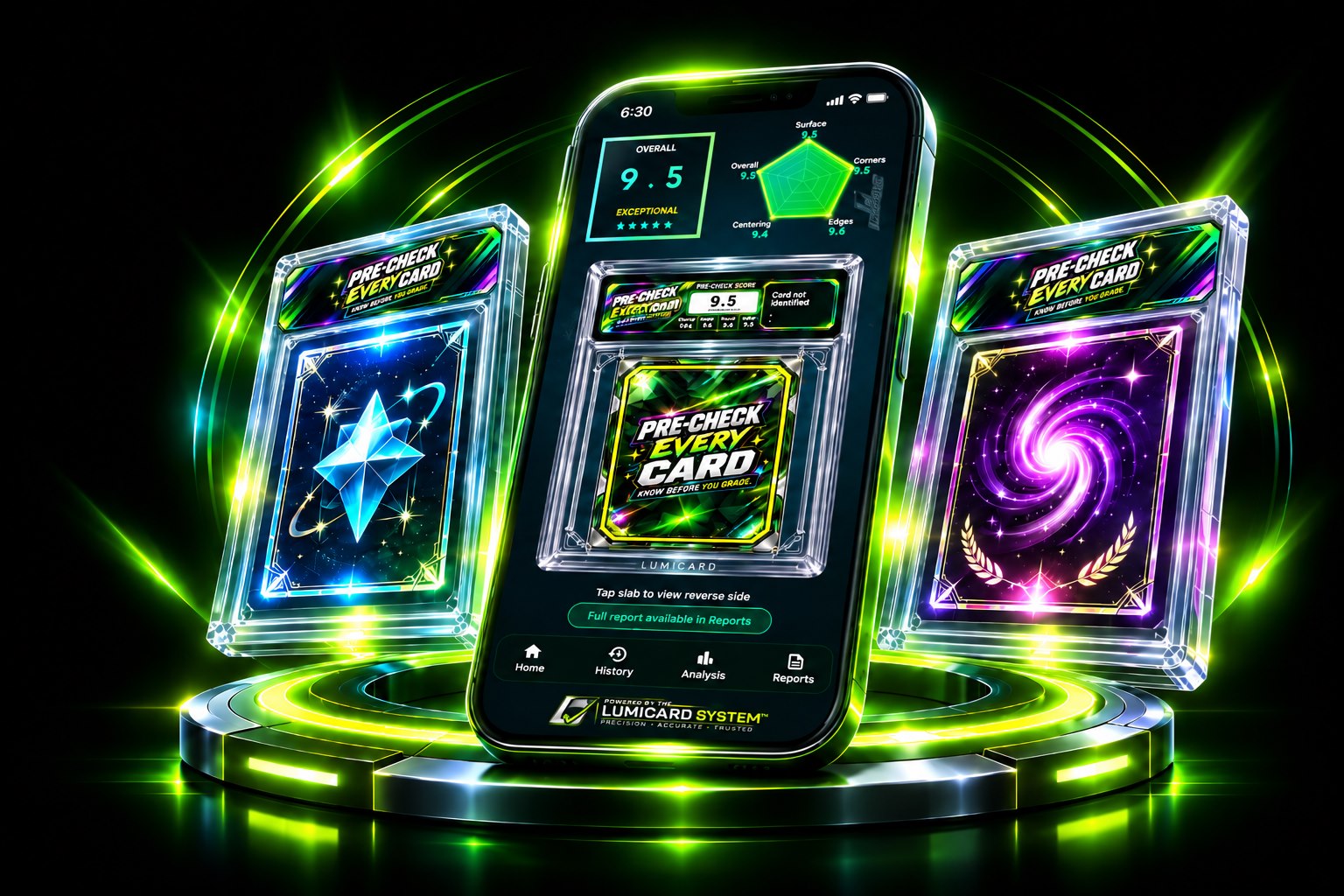
Analyze corners, edges, surface and centering.
Optional: identify card name, year, set and number.
Condition score based on visible features.
A shared card catalog built by collectors.
Built for Collectors
by Card Experts
From photo to score
Choose Quick Inspection (2 photos: front and back) or 5-Angle Inspection (10 photos: 5 front and 5 back). The app guides each shot.
Your phone analyzes centering, corners, edges and surface. Areas that cannot be seen clearly are reported as not assessed.
With your consent, LUMICARD looks up the card’s name, year, set and number. You can skip this step and still inspect.
See a condition score based on visible features, with details for each area and a report you can keep or share.
Results are AI-assisted assessments, not official grading certifications.
The LUMIHUB ecosystem
LUMIHUB is the central card database behind LUMICARD. Once a card has been confirmed in LUMIHUB, its shared card information can help other collectors identify matching cards without repeating the full identification process.
Identification through Google Cloud Vision may not be available in every version of the app.

Pricing & Credits
Inspections use credits. 1 credit is US$0.25.
1 credit
2 photos · 1 front + 1 back
A preliminary condition check to identify visible issues and give an initial overview of your card.
4 credits
10 photos · 5 front + 5 back
A comprehensive assessment with multiple views to examine card corners, edges, surface condition and centering.
Planned list prices. Purchases open when the app launches on Google Play, which sets the final price in your currency. Credits are used only when an inspection is completed.
Support
No. It is an AI-assisted assessment of features visible in your photos, to help you decide. It is not a grading certification and does not guarantee the grade any company will give.
Inspection runs on your phone. When you are signed in, scores and results are sent to our server without the photos. A front photo is sent only for Card Identification, if you agreed and the card is not already known.
No. It is optional. Card inspection works without it.
In the app, open Profile › Account, or email support@lumicard.net from your account email.
Credits held for it are returned to your balance.
Legal
How LUMICARD collects, uses and deletes information.
Page coming soonThe terms for using the LUMICARD app and services.
Page coming soonDelete in the app (Profile › Account), or without the app by emailing us from the address you signed up with. Uninstalling the app does not delete your account.
Request deletion